
Agents
Pick up the conversation.
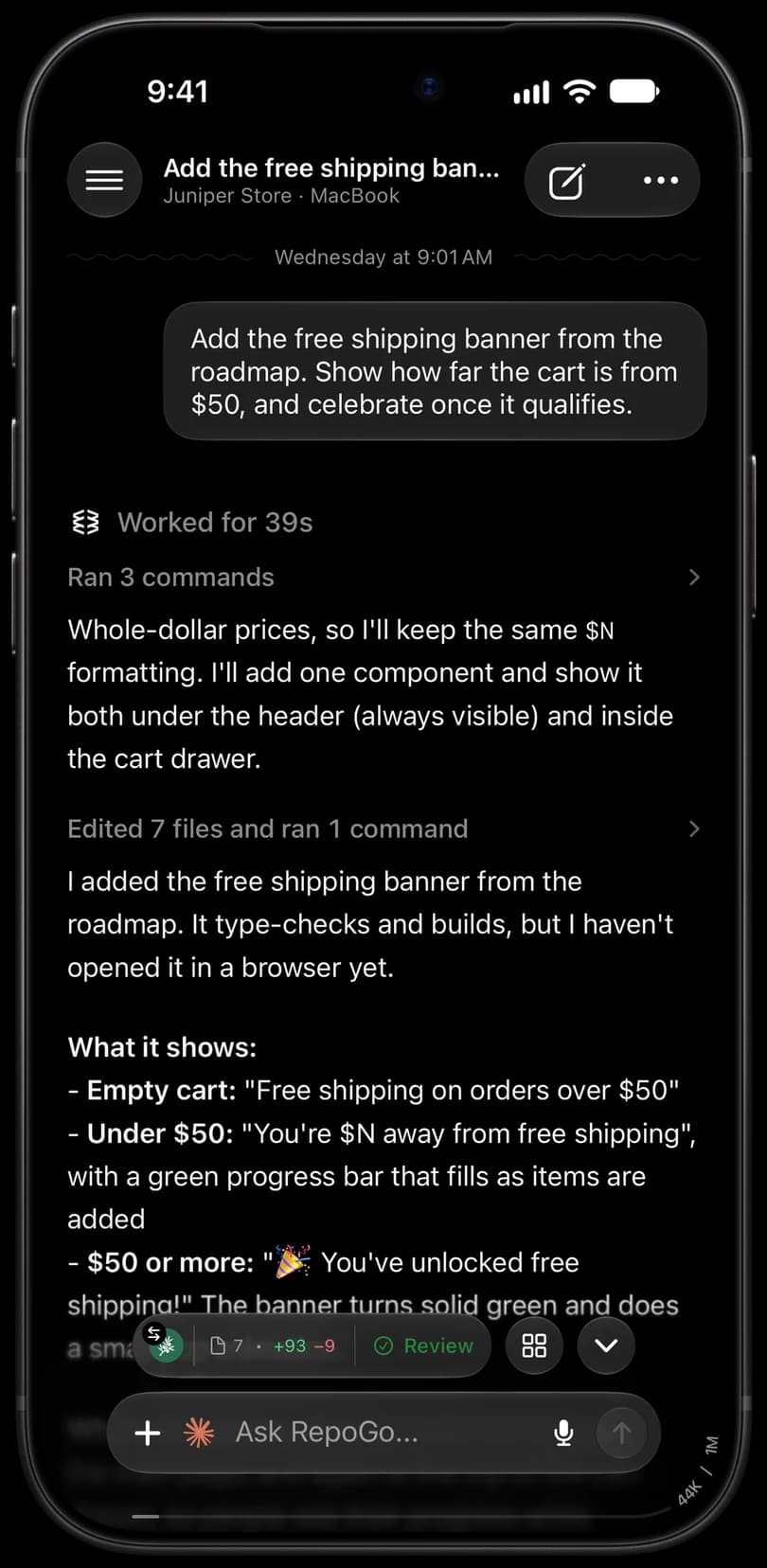
Work with Claude and Codex using the sessions and sign-ins already on your environment.
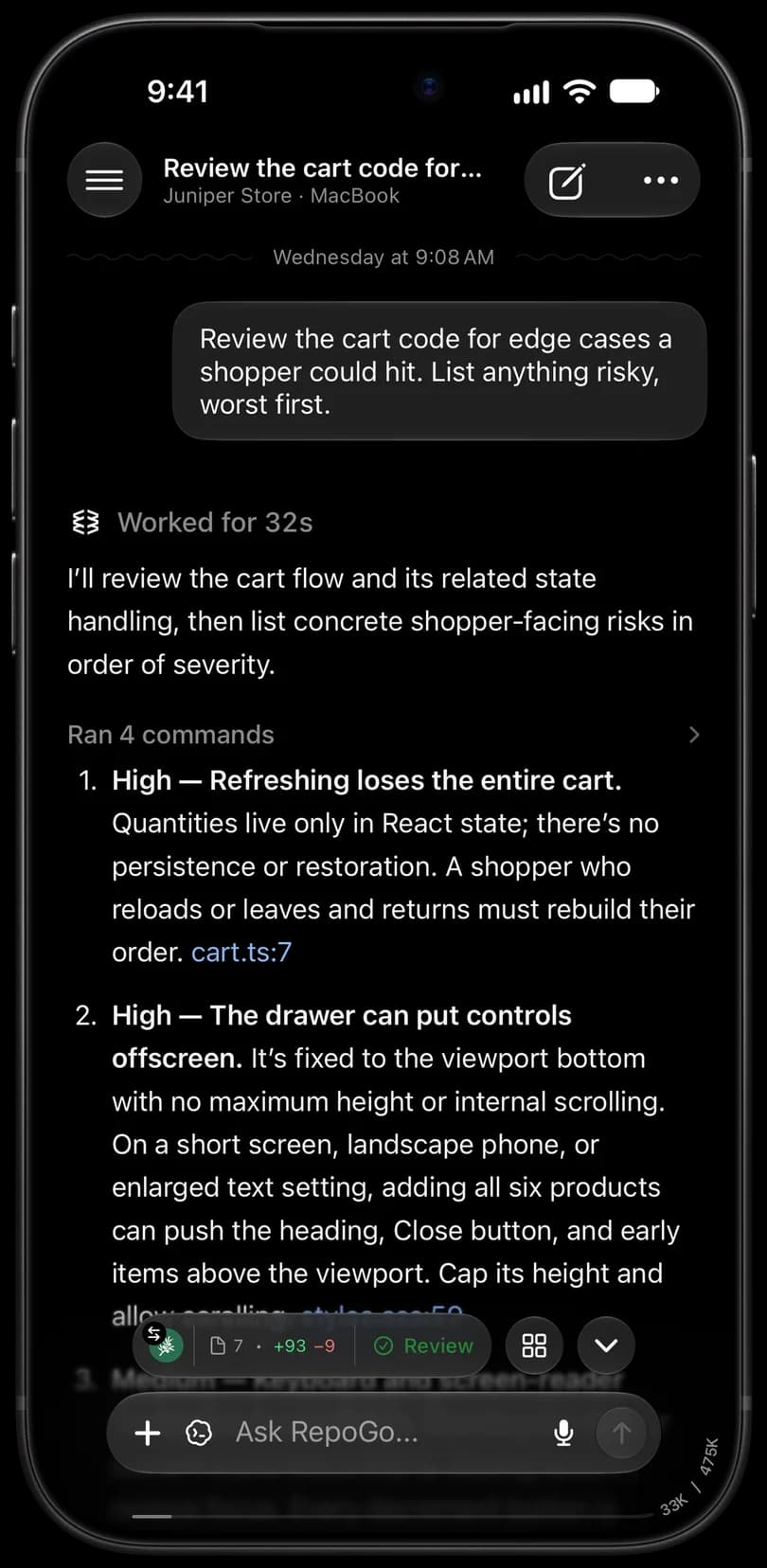
Native. No account. Private and encrypted.
Run Claude Code and Codex on your own computer from a native iPhone or Android app, review the changes, and ship from wherever you are.
Free to start. No account needed.
 Claude Code
 Codex
Your existing sessions.
Right where you left them.
From desk to anywhere
Start the host on your environment, then scan its pairing code with RepoGo.
Set up your environmentPrivate by design
There’s no account and nothing in the middle. Your chats and code stay on your environment, and your connection is end-to-end encrypted with keys kept in your iPhone’s Secure Enclave. RepoGo connects straight to your computer when it can. When it can’t, our relay forwards bytes it can’t read. And the host is open source, so you can read exactly what runs on your computer.
How we protect your workMade for the whole workflow
Agents
Work with Claude and Codex using the sessions and sign-ins already on your environment.
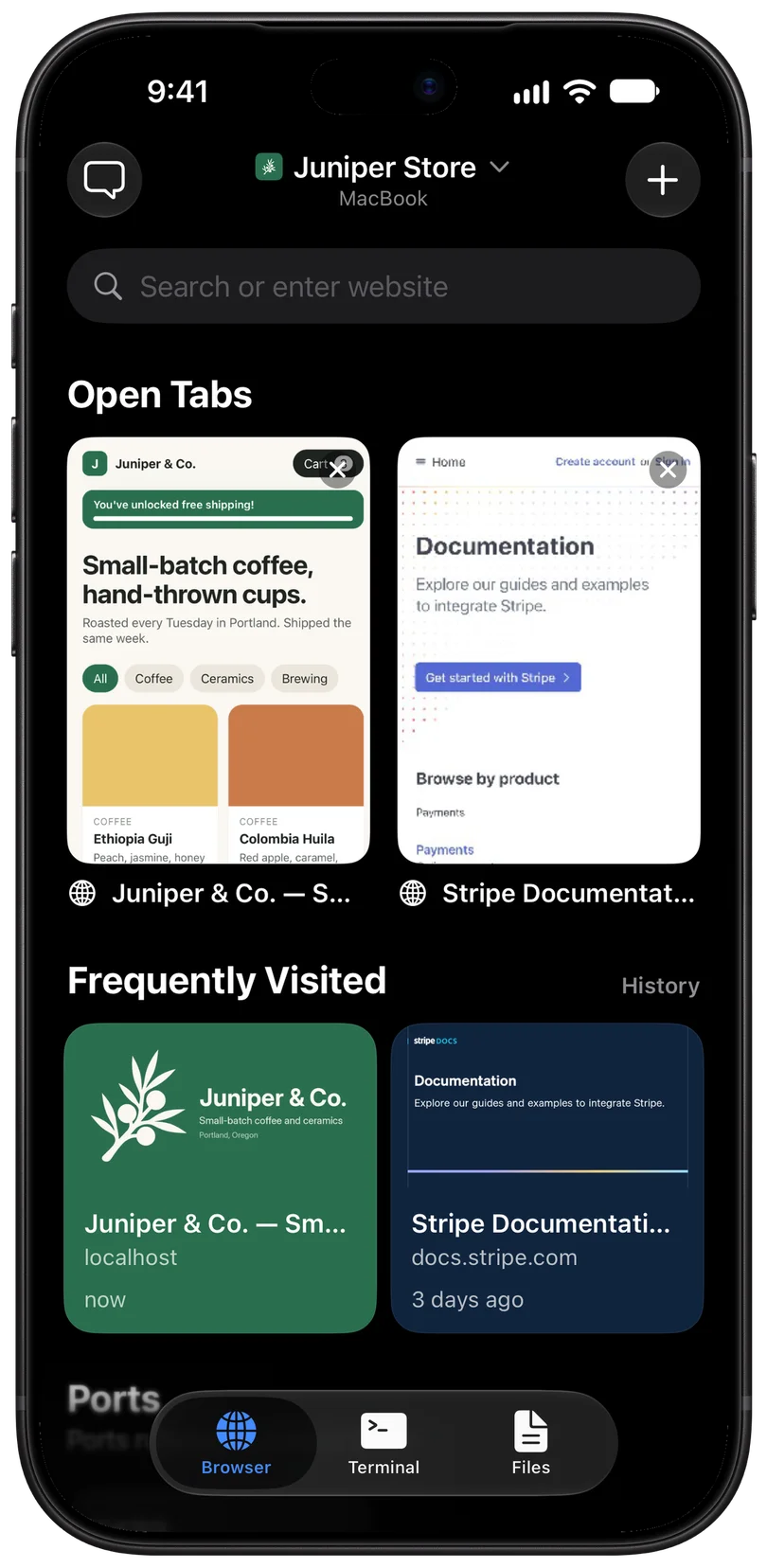
Browser
Open your development servers in a real browser, right beside your project.
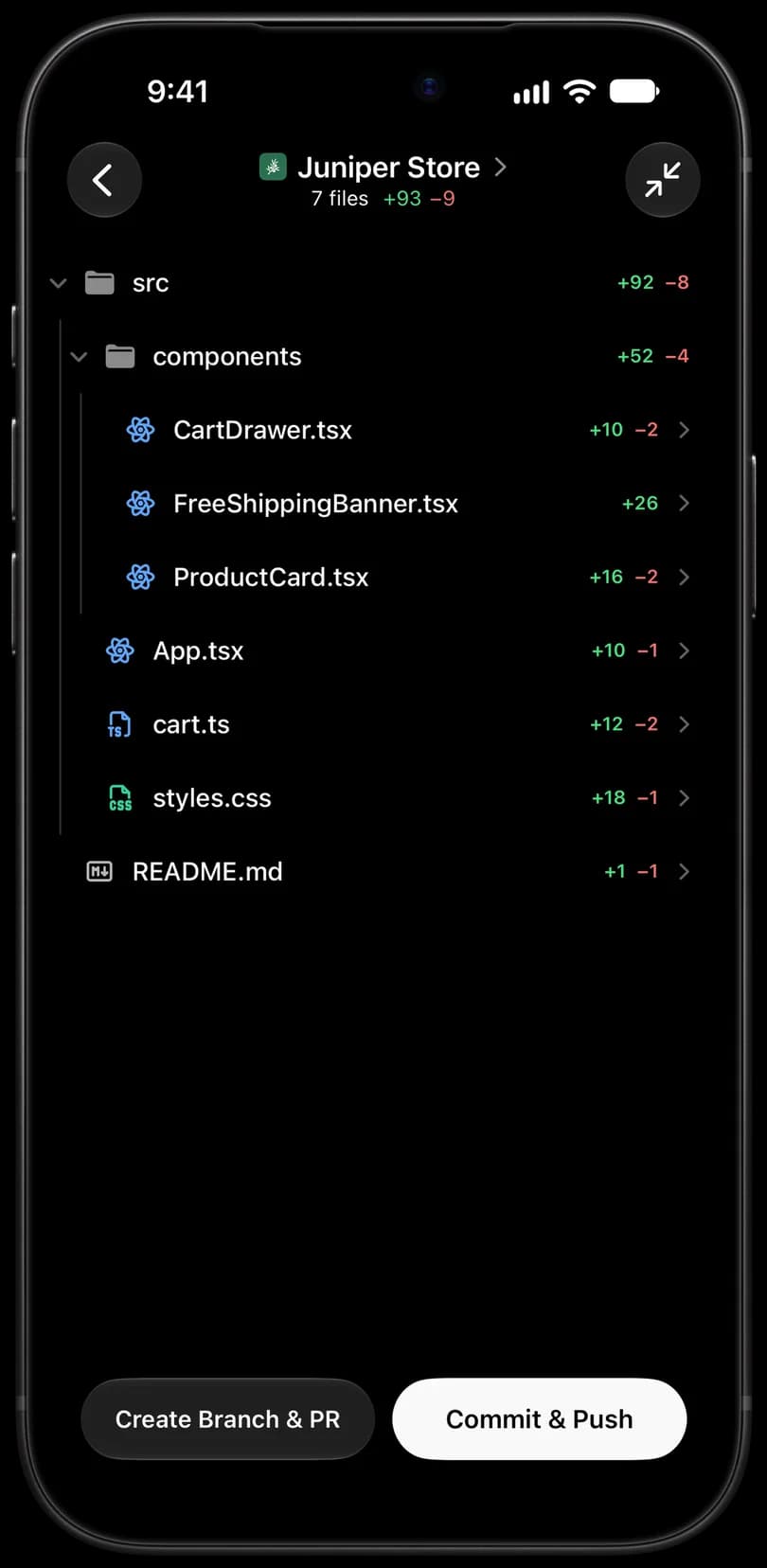
Git
Review the changed files, commit your work, and push when you’re ready.
Editor
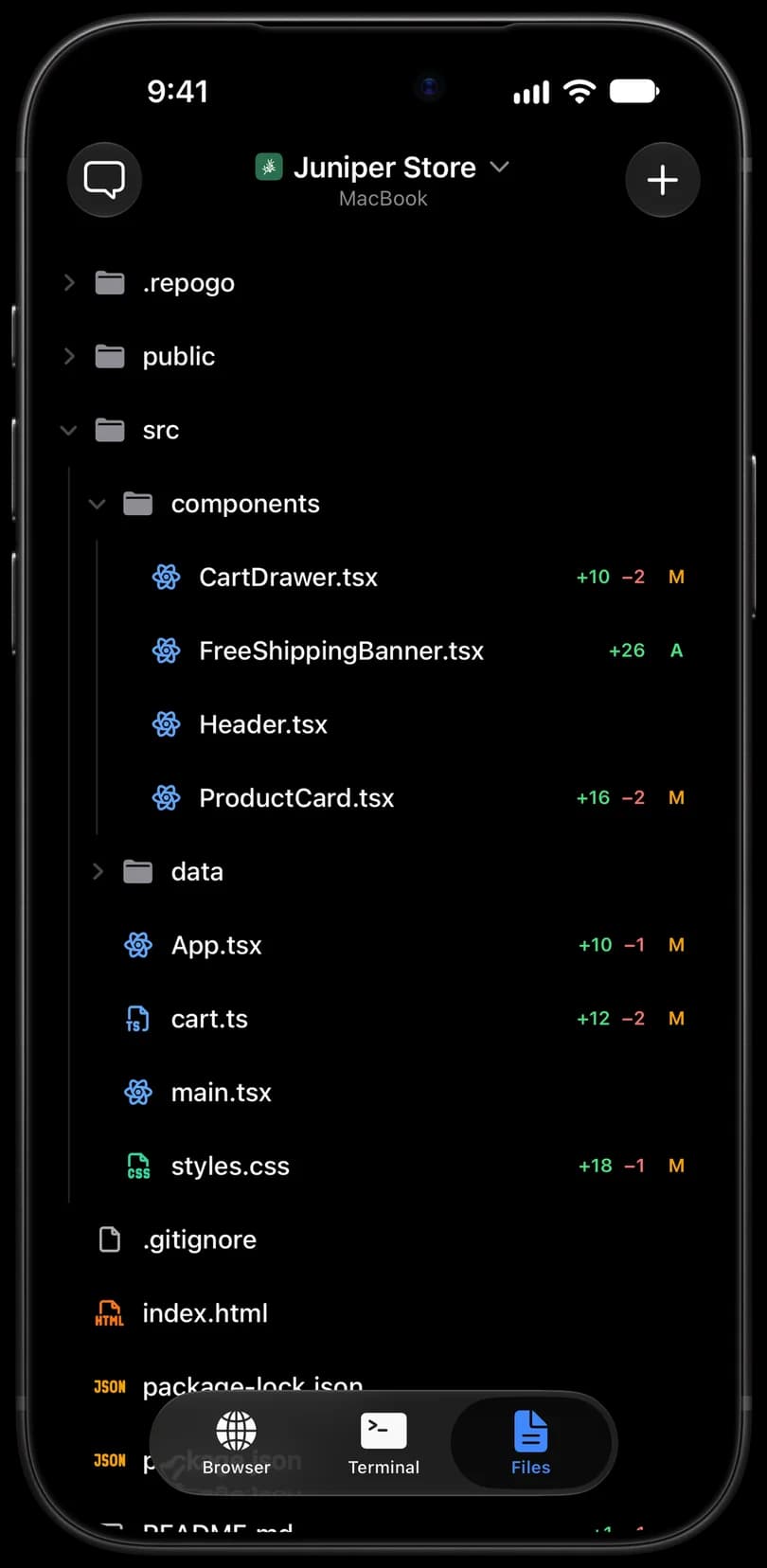
Browse your files and open the code. Your project is more than a chat window.
Voice
Have a real conversation with your agents, hands-free. Tell them what to do and hear back what they did.
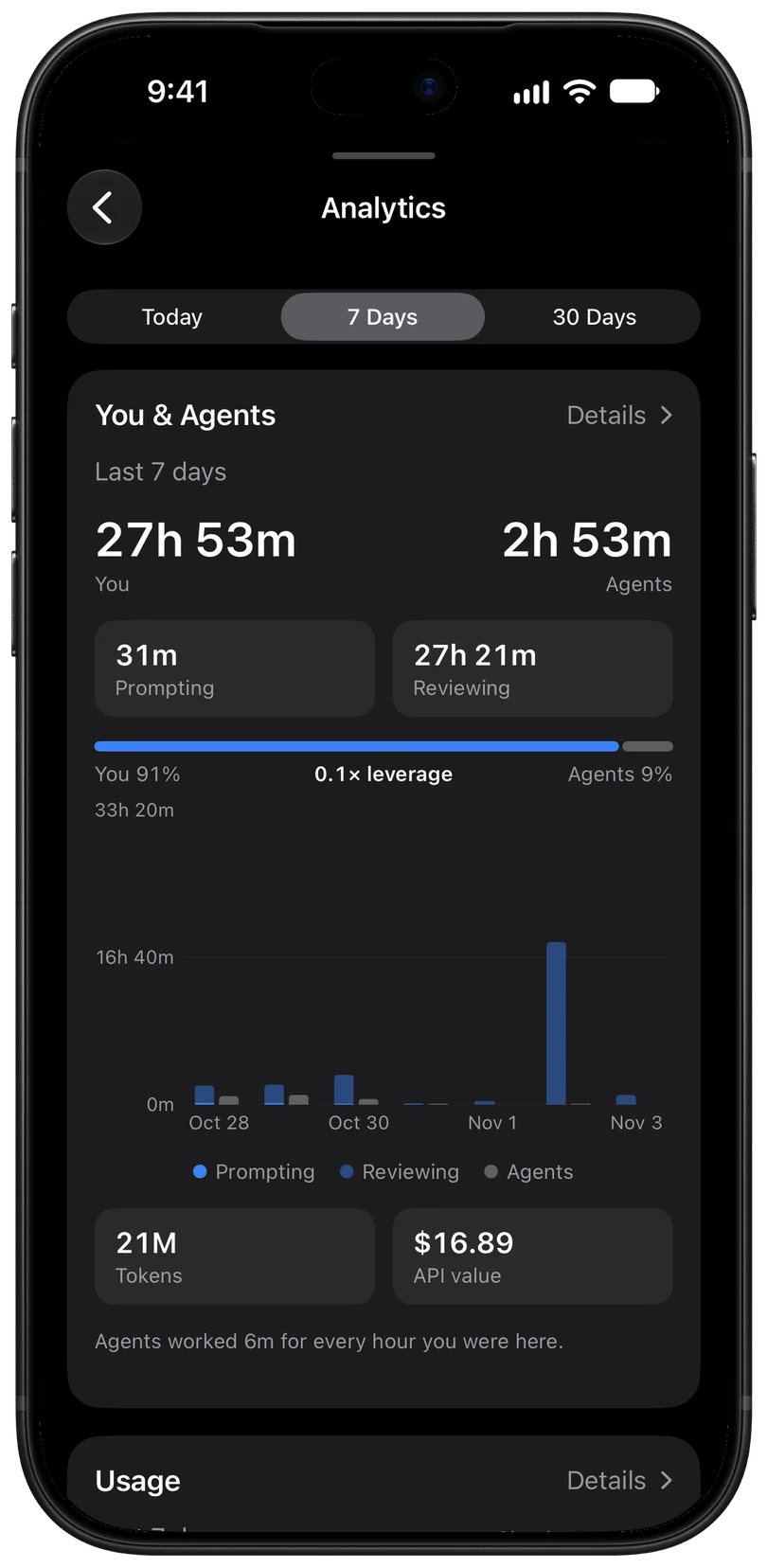
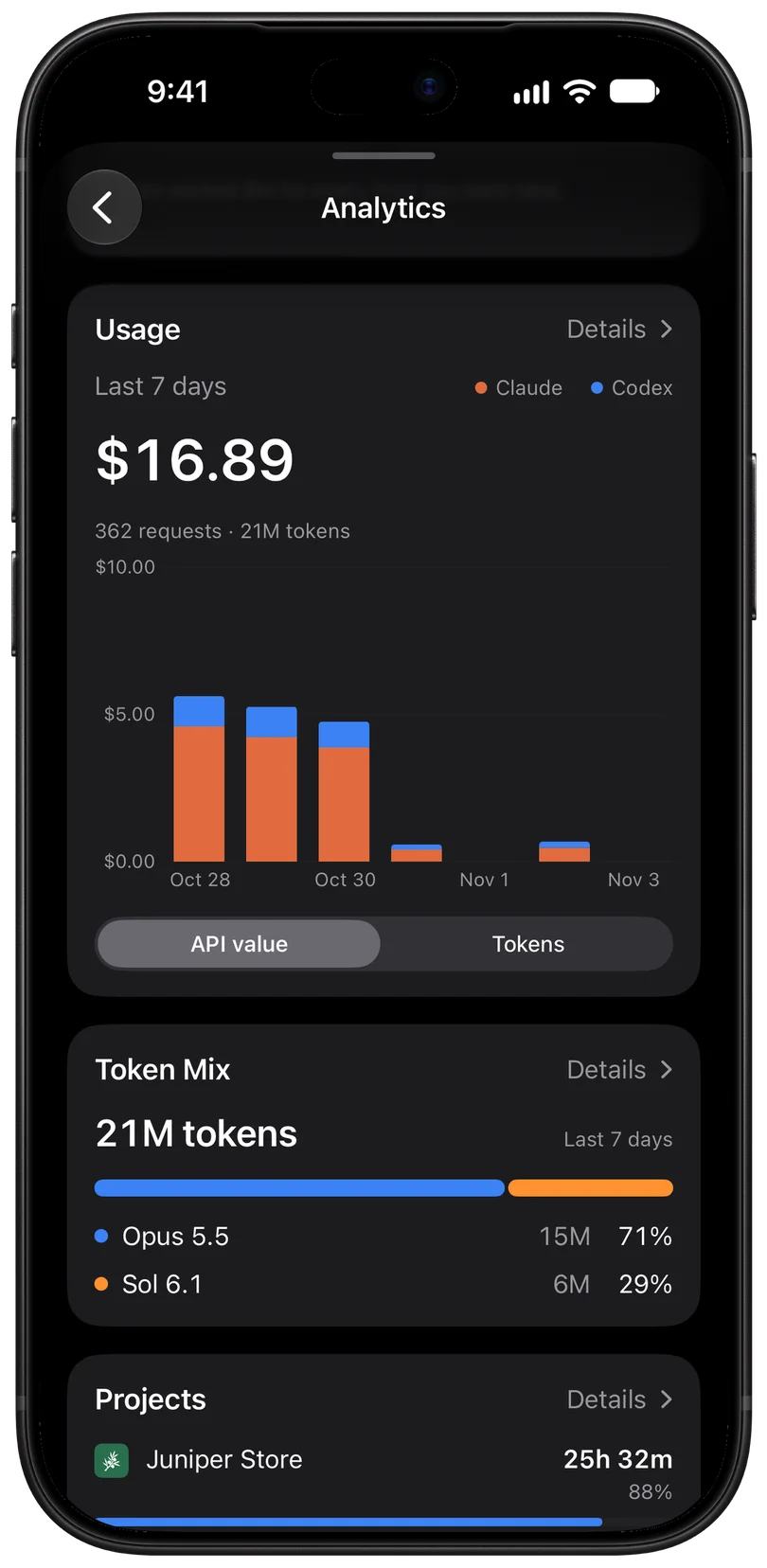
Analytics
See your activity across projects and agents, all in one place.
Usage
Keep an eye on your agent usage without leaving the app.
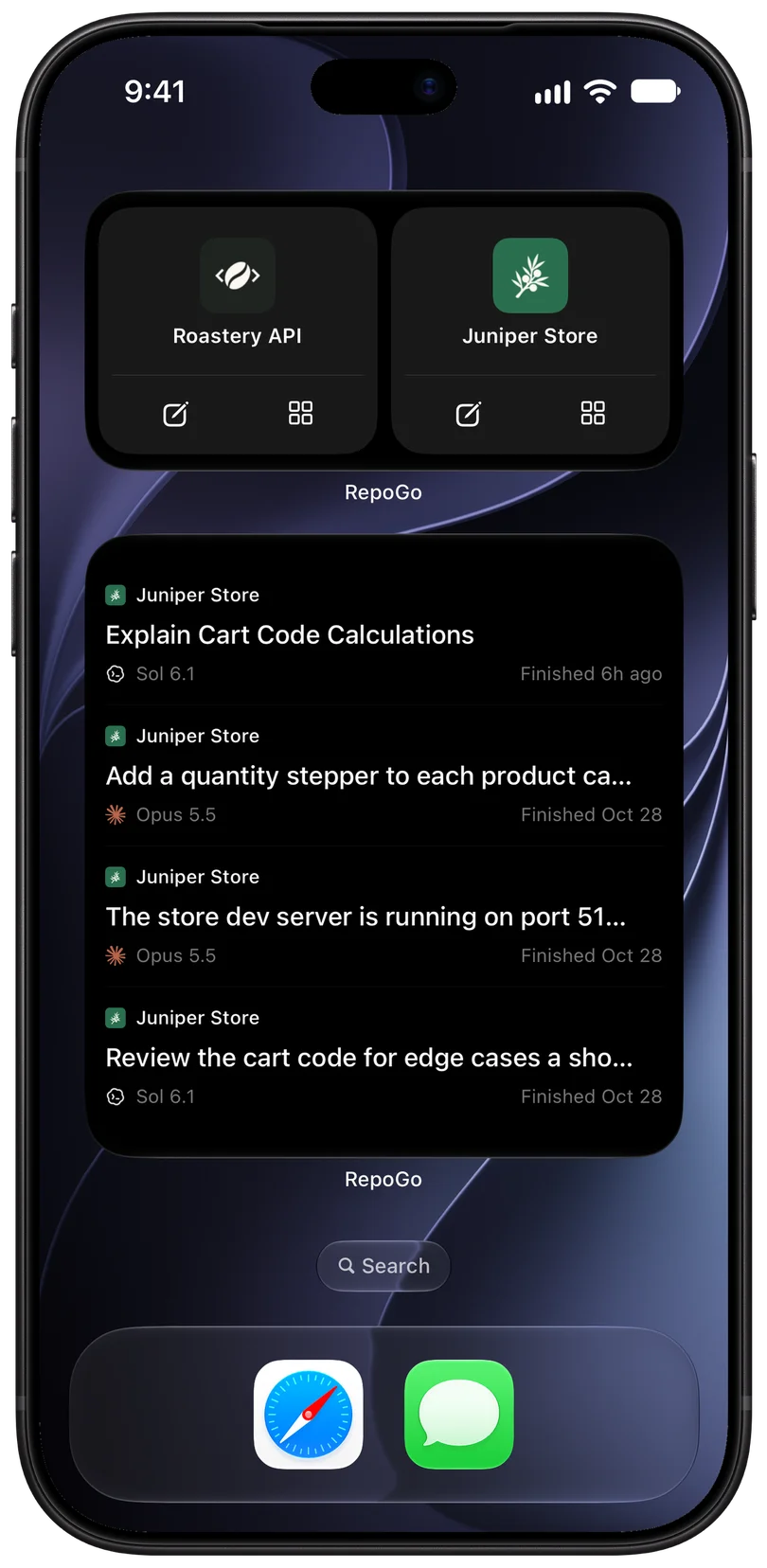
Projects
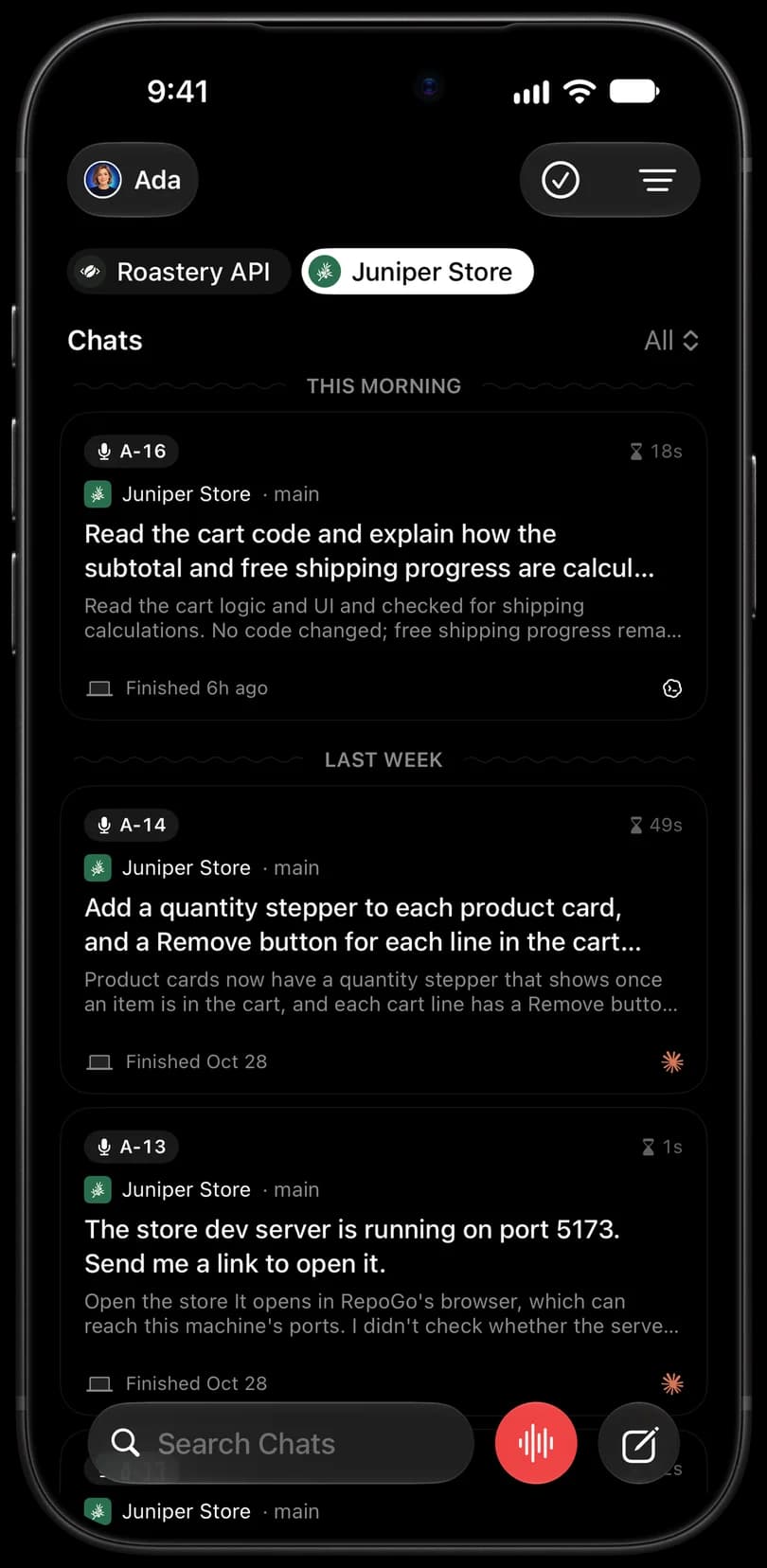
Jump back into your projects and keep the next task close at hand.
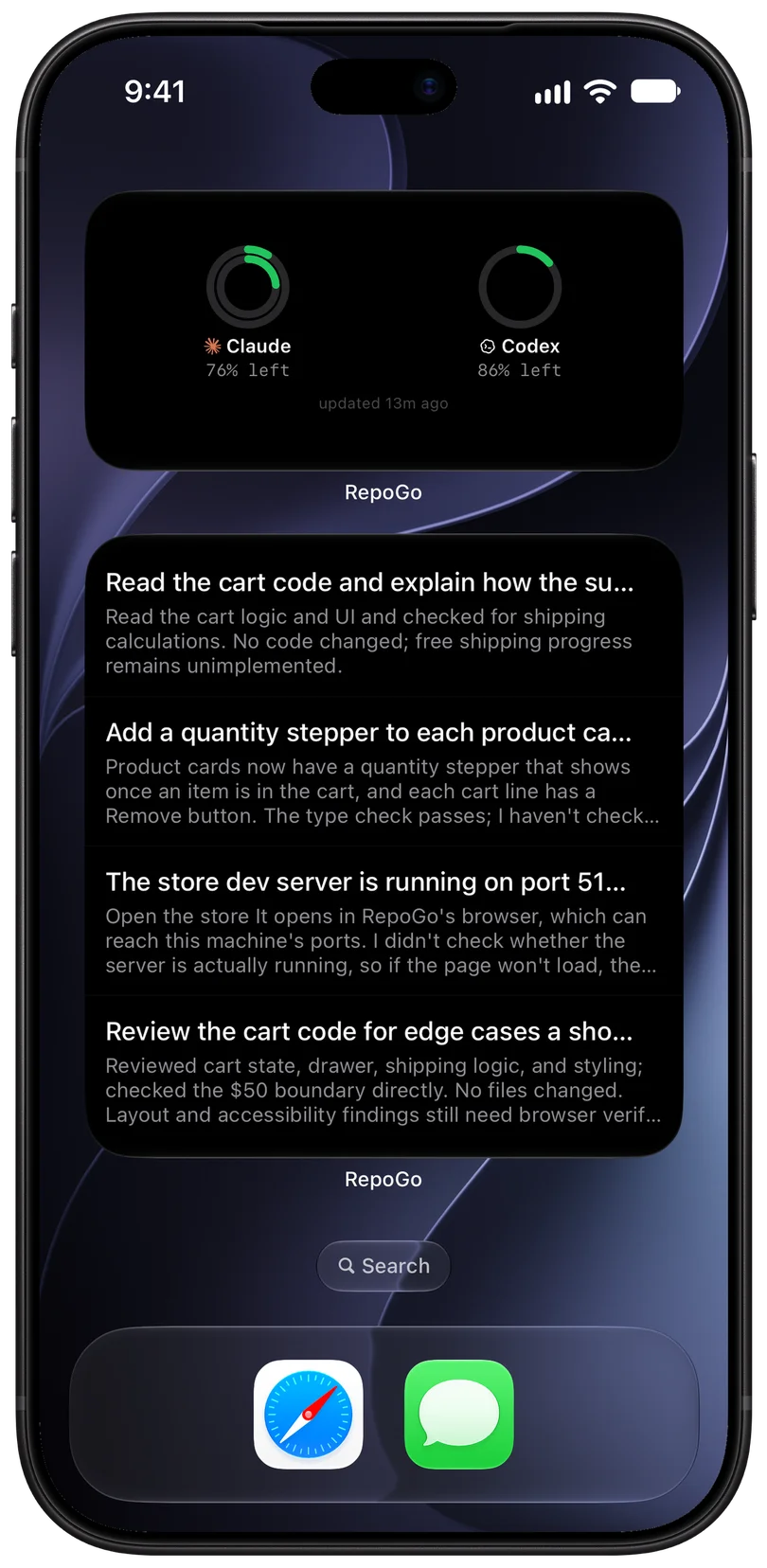
Widgets
Keep useful project and agent information on your Home Screen.
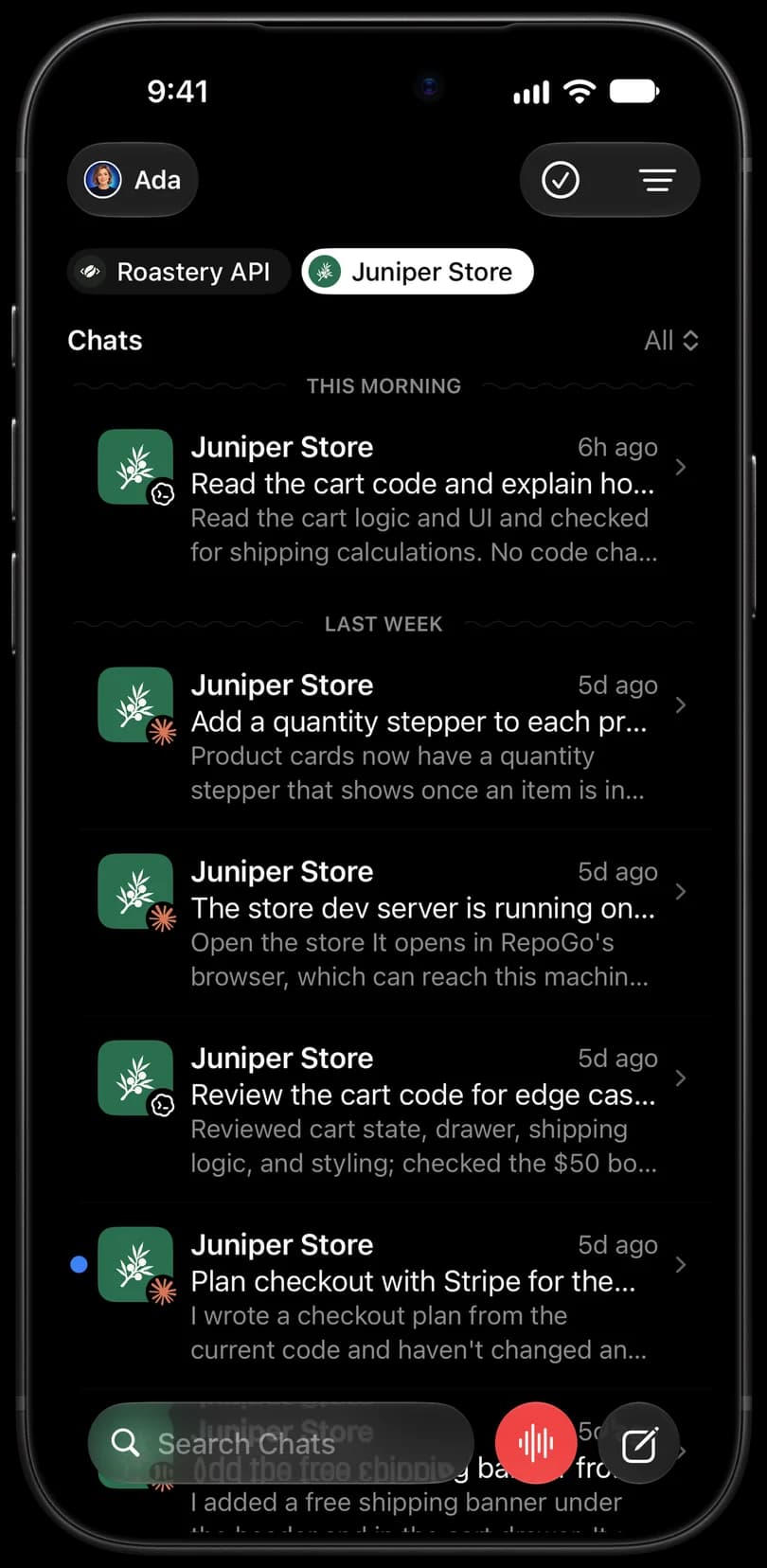
Inbox
Find the conversations that need you and get back to the work that matters.
Live Activity
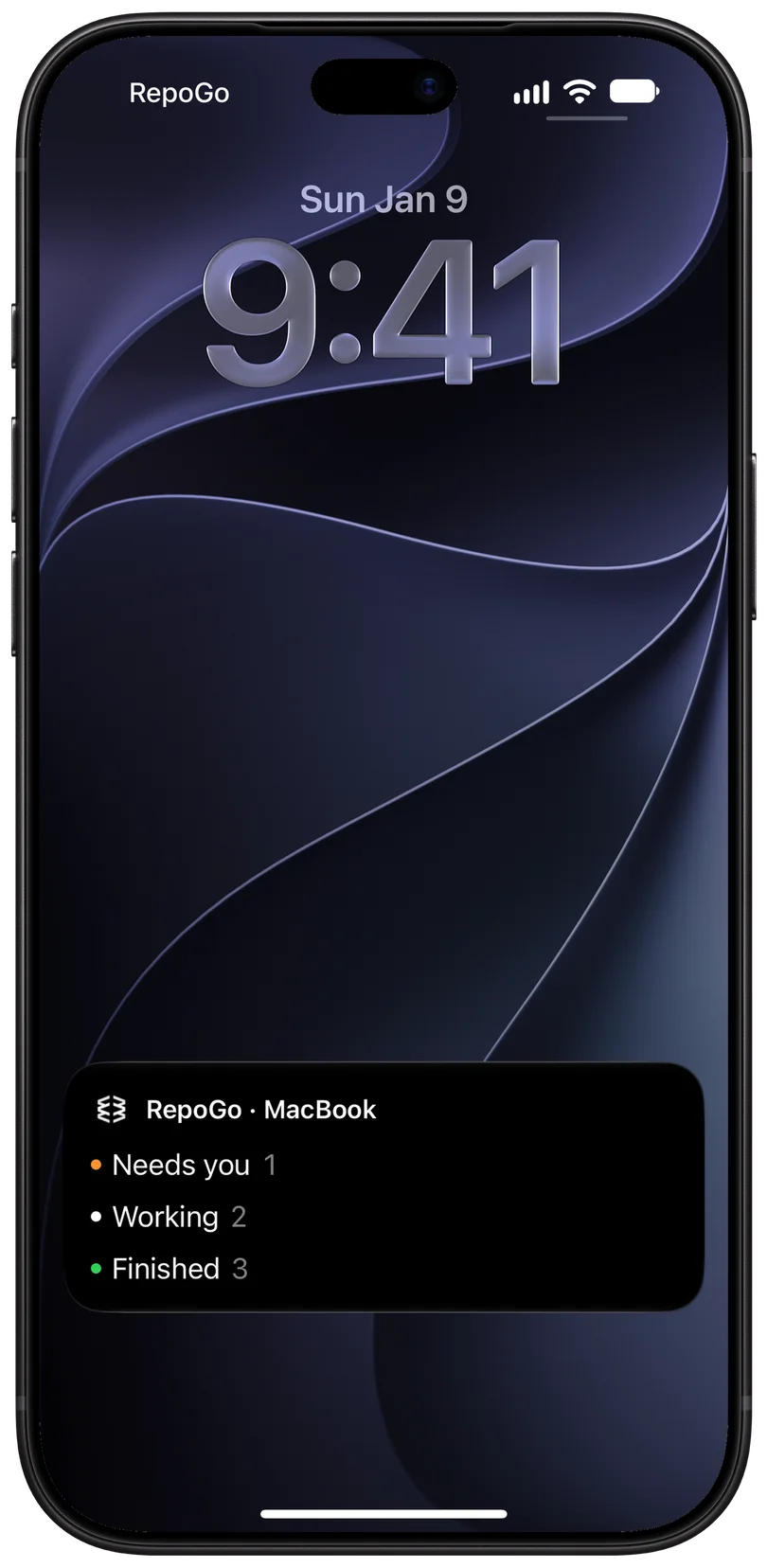
Follow your agents from the Lock Screen while they keep working.
A few good questions
The essentials, from your first connection to where your code lives.
RepoGo is built for your phone first. It's a native iPhone app, so it feels fast and smooth, not like a website in a wrapper. There's no account to make: scan a code and you're connected to your own computer. The Claude Code and Codex sessions you started at your desk are already there, right where you left them. Your chats and code stay there, and the connection is end-to-end encrypted, so no one in the middle can read it. Not even us. And live voice lets you talk your agents through the work hands-free, so a big idea doesn't have to wait until you're back at your desk.
RepoGo is an iPhone app for working with your coding agents away from your desk. It connects to your own Mac or Linux machine, where Claude Code and Codex run, so you can start chats, follow the work as it happens, review changes, and push them from your phone.
An iPhone, and a Mac or Linux machine with Claude Code or Codex installed and signed in. On that computer, run curl -fsSL https://repogo.app/i | sh (or npx @repogo/host with Node.js 22 or later), then scan the code it shows. No account is needed.
No. Open RepoGo, pair your computer, and start working. There's nothing to sign up for.
On your computer. The host keeps your chats and project data there, and RepoGo's servers never store chat or code content.
No. Your phone and your computer talk through RepoGo's relay, and everything between them is end-to-end encrypted. The relay forwards bytes it can't read.
Claude Code and OpenAI Codex. RepoGo runs the ones already installed on your computer, signed in as you, and shows the sessions you started at your desk too.
RepoGo is free with 100 Claude Code and Codex messages a day, one environment, one voice session a day of up to 5 minutes on your own OpenAI API key, and 50 MB of localhost browsing a day. RepoGo Pro is $9 a month and adds unlimited messages, environments, voice and localhost browsing, plus public links to your dev servers that last 6 hours.
Yes. Claude Code, Codex and your OpenAI API usage for voice are billed by Anthropic and OpenAI under your own plans. RepoGo doesn't resell or mark up tokens.
No. The host dials out to RepoGo's relay, so your phone reaches it from anywhere, without opening ports. Your computer does need to be awake and online.
RepoGo doesn't train models on your code. Your agents send prompts and code context to Anthropic or OpenAI under your own accounts and their terms.
New features, new possibilities. Get the occasional update from RepoGo.